
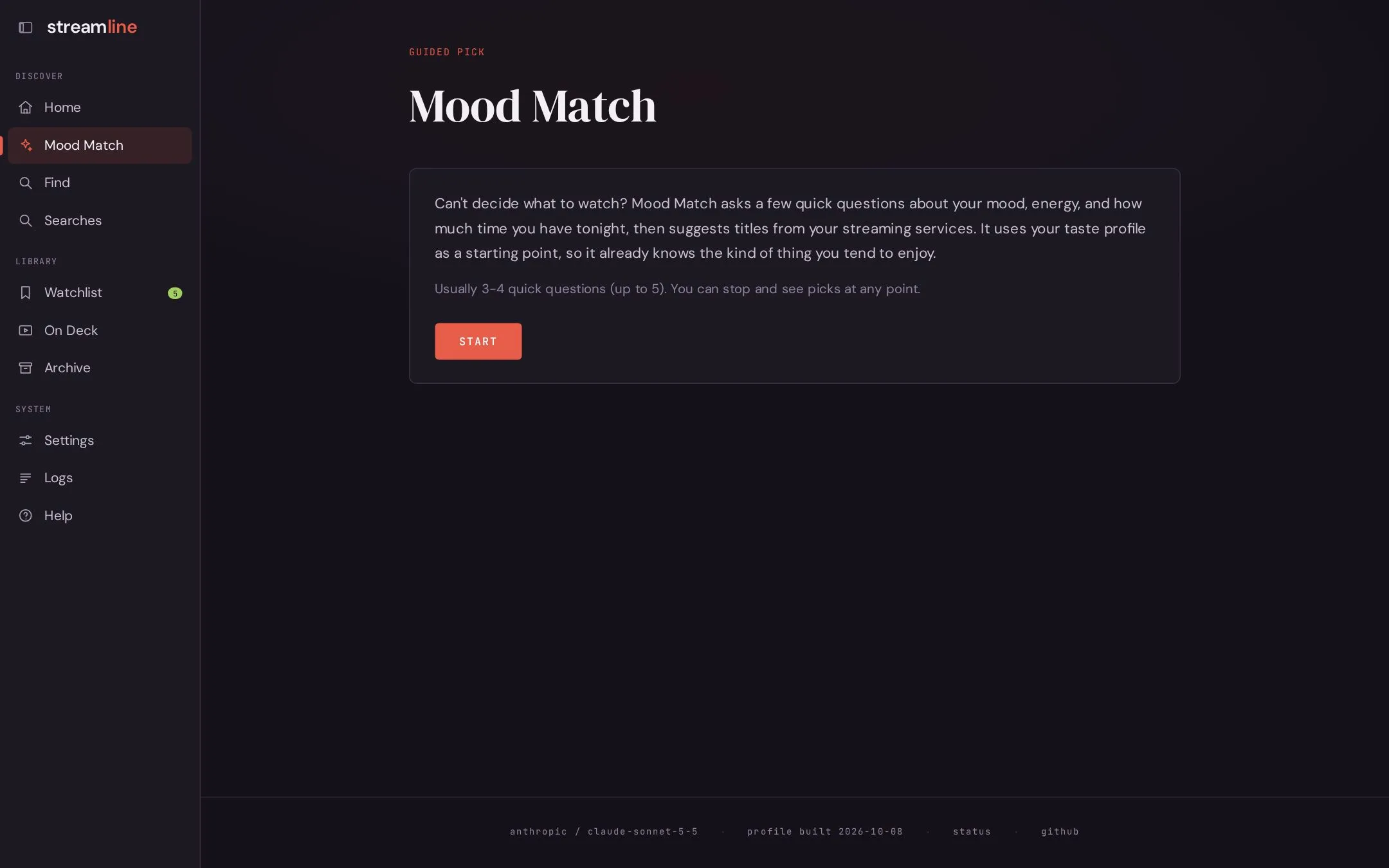
Mood Match
When you don’t know what to type, open Mood Match.
- Pick movie, TV, or either. This first tap is instant and needs no LLM call.
- Answer a few questions about mood, energy, and time. Each question is written by the reasoning model, using your taste profile and your earlier answers. Most runs take 3 to 4 questions, never more than 5.
- Review your answers and change any of them.
- Get recommendations from the same pipeline as a normal search.
You can stop at any point with Show me something now.
After the results, refine them in place with shorter, lighter, more obscure, surprise me, or your own words. Past Mood Match runs appear on the Searches page and can be replayed.
The question limits are in config.yaml under wizard; see Configuration.