
Archive, Seen It, and Rate It
Archive
Section titled “Archive”The Archive is everything you’ve watched, from every source.
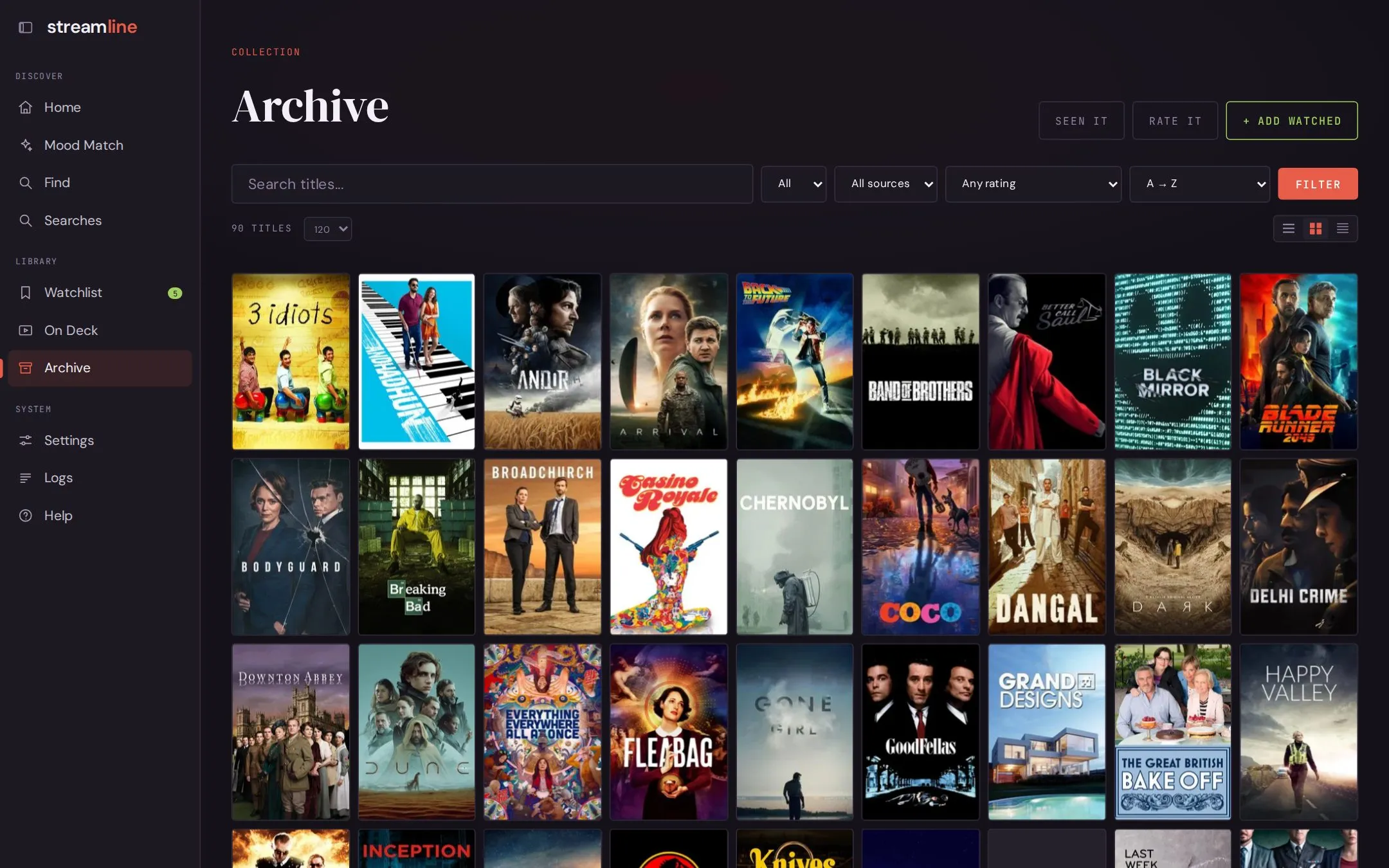
Switch between poster, list, and compact views. Filter by type, source, and rating; sort A to Z, Z to A, or by most recently watched. Recently watched uses real watch dates only, so titles with no date sort last.
Click a poster for its title page: overview, credits, AI analysis, your rating, and links to TMDB and IMDb. Add watched adds a title by hand. If the name matches more than one title, you pick the right one.
Seen It
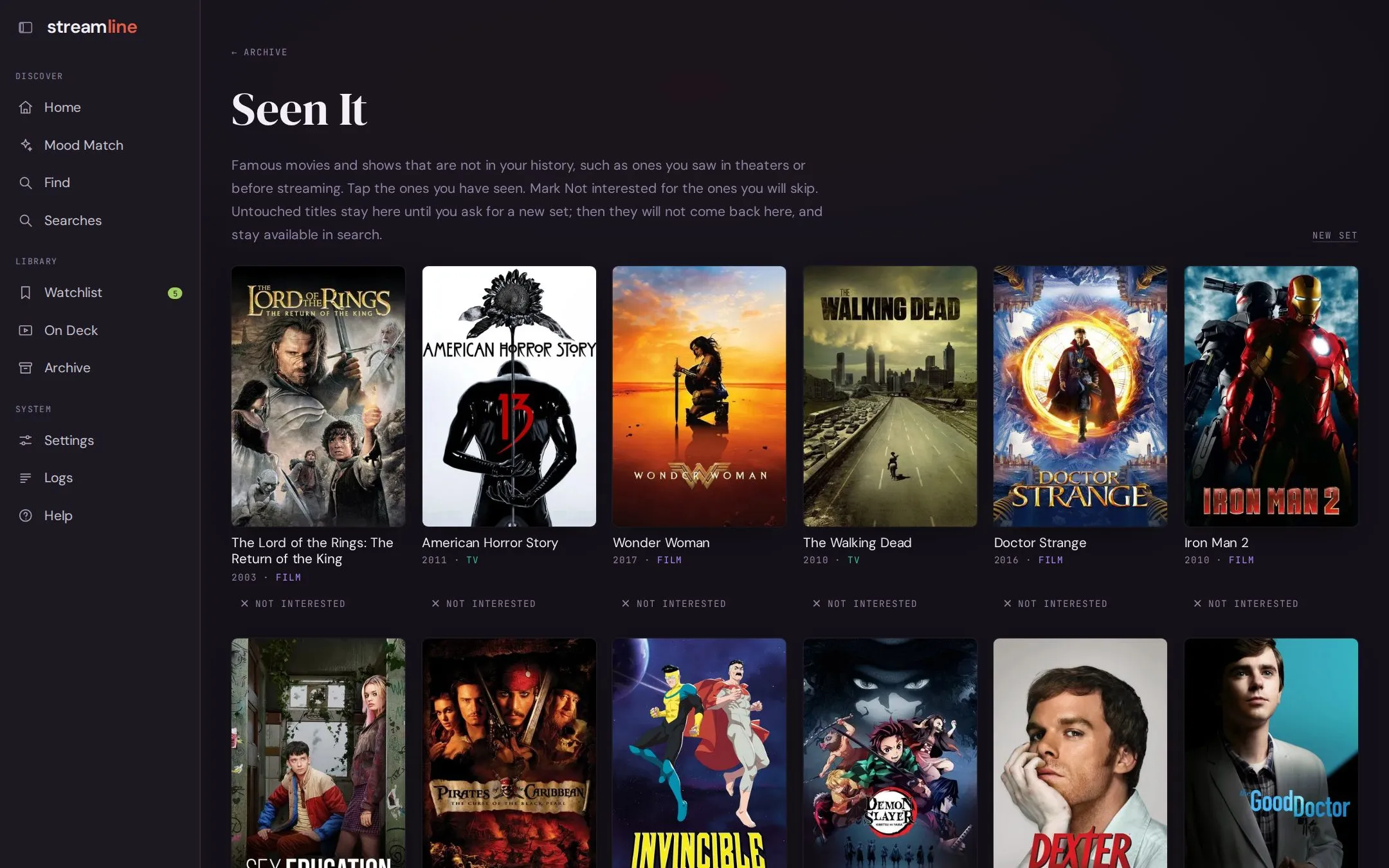
Section titled “Seen It”Exports miss things you watched years ago or somewhere else. Seen It shows sets of famous movies and shows to tap through: Seen it adds a title to your archive, Not interested keeps it out of recommendations.
Rate It
Section titled “Rate It”The taste profile is built from titles you mark Loved. Rate It shows your unrated archive in sets: tap the ones you loved, mark Not for me only for real no’s, and leave the rest for a later round.
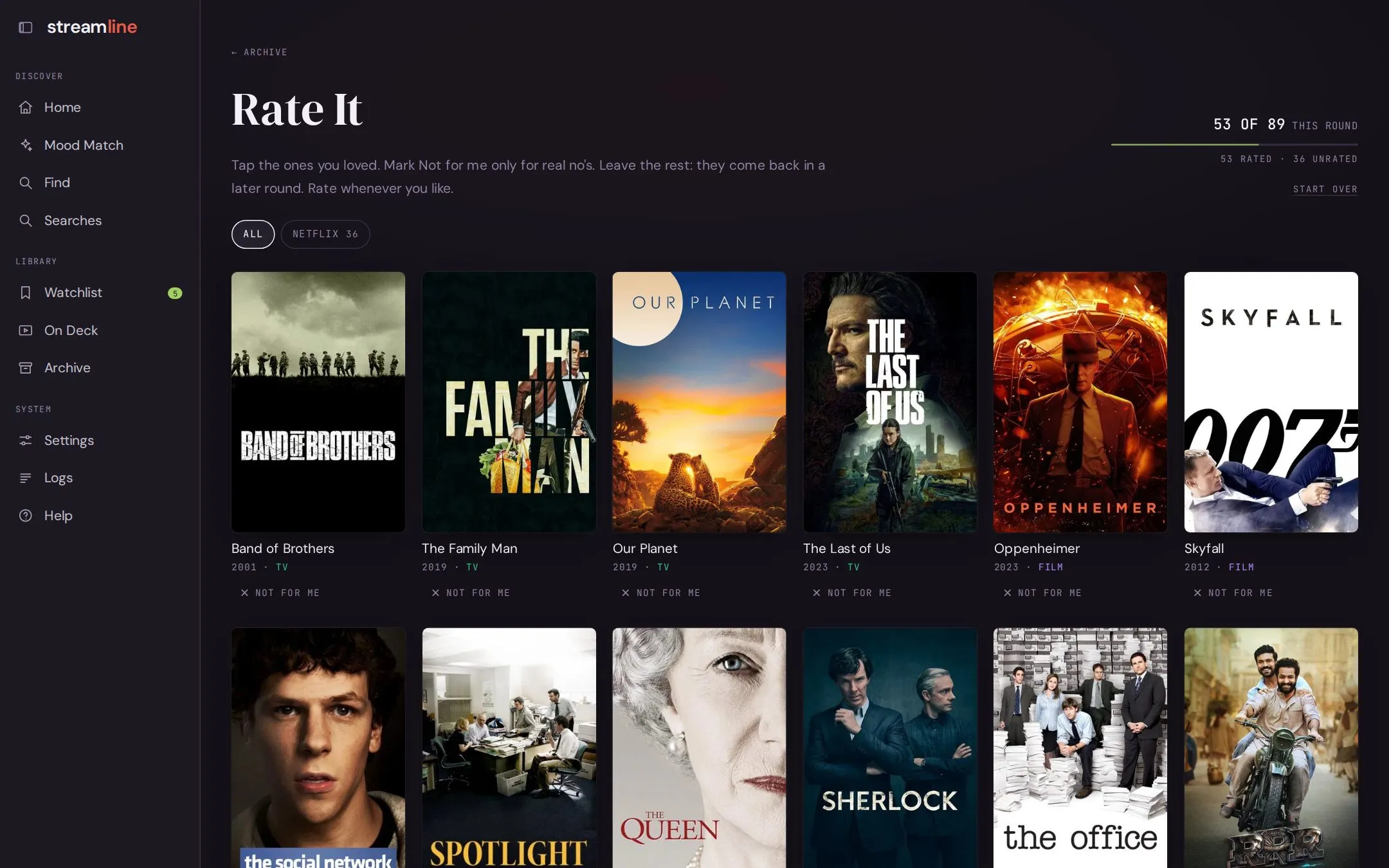
Followed shows count as loved. Kids and family titles are hidden by default, behind a switch, and you can rate one source at a time.
Ratings use the same three answers everywhere in the app:
| Answer | Also called | Effect |
|---|---|---|
| Loved | More like this | Shapes the taste rows and lifts similar titles |
| Fine | It was fine | Records that you’ve answered; changes nothing |
| Not for me | Less like this | Lowers similar titles and notes what to avoid |
New ratings count in searches straight away.
The taste rows on the home page change only after ./recommend setup --refresh-profile.
How the taste rows are built
Section titled “How the taste rows are built”Each loved title gets a few taste tags, written once by the reasoning model and saved. The tags are grouped into 10 to 16 themes, and code places each title in the best-matching theme. Because those answers are saved, rebuilding with the same ratings gives the same rows in the same order and makes no LLM calls.